Assign Agents to Agent Groups
Agents are assigned to agent groups using the storm Contact > Agent Groups > Assign to Agent Group menu option.
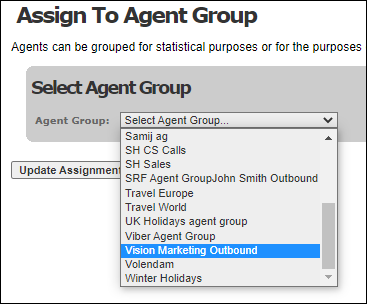
Select the agent group using the drop-down list provided. Ensure that it is one that has been marked as an OUTBOUND agent group (by selecting the Agent Group for Outbound Service check box or the Agent Group for Predictive Queue check box).
The system lists all agents who have been configured as OUTBOUND agents (by setting the User Type flag to 'Dialler Agent' or 'Supervisor').
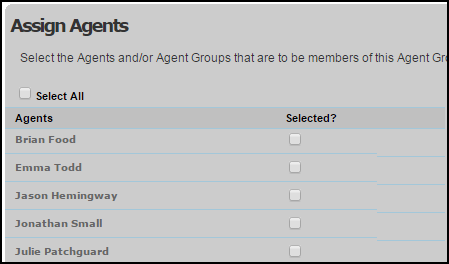
Select the Selected? check box to against each agent. They are added to the agent group once you click the Update Assignment button to save your input.
The list of agents in this screen is followed by a list of agent groups (excluding the one you have selected) that are marked as an OUTBOUND agent group.
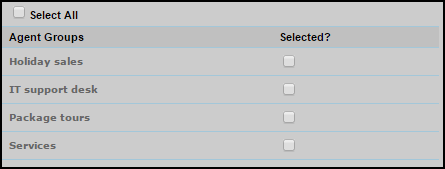
Agent groups are assigned to, and removed from, other agent groups in the same way as for agents using the Selected? check box then clicking the Update Assignment button.
Note: at run-time, supervisors and administrators are able to add agents to, and remove them from, agents groups as required using DTA's Assign to Agent Group screen. See the DTA User Guide.